
Home
Build Smarter, Not Harder
A Computer Engineering Survival Guide
Are you a Computer Engineering student trying to figure out which tools actually matter? Whether you are just starting out or already taking higher-level classes, it can be hard to know where to begin. With so many online platforms and resources available, students often spend more time searching than actually learning or building projects. This guide is built to fix that.
As a computer engineering student myself, I understand how overwhelming that can be. This guide is designed to cut through that noise by bringing together essential resources that will help you:
- study more efficiently,
- strengthen your technical skills,
- prepare for internships,
- and real-world engineering.
This guide assumes you have basic familiarity with computers and some exposure to programming, such as writing simple code or taking an introductory course. You don't need to be an expert. Each resource is explained in a simple way so both beginners and more experienced students can benefit.
In This Guide
You will find six key resources that every computer engineering student should know. So instead of wasting hours searching, here are the 6 go-to resources that actually get the job done, and how to use them correctly.
Each resource includes a focused explanation of what it is, how it works, why it matters for computer engineering students, and tips to help you use it efficiently.
How to Use This Guide
This guide is organized to be simple and practical:
- Start with any resource, depending on what you currently need (studying, coding, or career prep)
- Looking for something specific? Use the search feature to quickly navigate to the resource that best fits your needs.
- Read each section to understand not just what the tool is, but how to actually use it effectively.
- Use the tips provided to avoid common mistakes and save time.
- Return to this guide whenever you feel stuck or unsure where to go next.
The goal is not just to introduce tools, but to help you build a smarter workflow.
Final Note
No matter where you are in your computer engineering journey, you don't need to figure everything out on your own. With the right tools and a clear direction, you can spend less time searching and more time building, learning, and improving.
Start exploring the resources, apply them to your work, and focus on building smarter, not harder.
Try a platform name or terms like jobs, courses, practice, or debugging.
GitHub
GitHub


GitHub is a platform where you can store, manage, and share your code projects all in one place. Think of it like a smart folder for your work that tracks every change you make, so nothing ever gets lost (yes, even that version before you broke everything).
For computer engineering students, GitHub is more than just storage. It helps you organize class projects, experiment with new ideas safely, and even build a portfolio you can show to employers. Instead of just saying you can code, GitHub lets you prove it. It also includes tools like...
- repositories (project folders)
- version history (a timeline of changes)
- a README file (quick guides that explain your project)
Because GitHub is widely used in the industry, learning how to use it early helps students become familiar with real development workflows and collaboration practices.
Reasons to Use This Site
GitHub isn't just a place to store your code; it's a tool that can completely change how you build, manage, and present your projects as a computer engineering student.
- Project Organization: Keep all your coding projects structured and easy to access in repositories.
- Version Control: Track changes over time and revert to previous versions if something goes wrong.
- Portfolio Building: Showcase your work to employers through well-documented projects.
- Collaboration: Work with others on group projects and contribute to shared codebases.
- Industry Relevance: Gain experience with a tool commonly used in professional software development.
Once you start using GitHub regularly, it quickly becomes a core part of your workflow, not just for school, but for real-world engineering.
Tips for Navigating and Using GitHub
GitHub might feel a bit confusing at first, but once you get the basics down, it becomes one of the easiest tools to work with.
- Create a repository for each project: This helps keep your work organized and prevents mixing different projects together.
- Use the README file effectively: Include a short description, how to run your code, and what the project does. This is often the first thing others will read.
- Commit changes regularly: Save your progress frequently so you can track improvements and avoid losing work.
- Use the search bar to explore projects: If you're learning something new, search similar repositories to see how others implemented it.
- Review version history when debugging: If your code suddenly breaks, checking previous commits can help you identify what changed.
Mastering these small habits will save you time, reduce frustration, and make your work look far more professional.
When to Use GitHub?
But now you might be asking yourself: when do I actually use GitHub? The answer is: almost anytime you're working with code.
- During class projects: Keep your assignments organized and track your progress over time.
- When building personal projects: Experiment freely without worrying about losing your work.
- For group work: Share code and collaborate smoothly with teammates.
- Before applying to internships: Use your repositories to show real proof of your skills.
The more you use GitHub in these situations, the more natural it becomes, and the more valuable it is when it really matters.
Bringing It All Together
At the end of the day, GitHub isn't just a tool you're "supposed" to learn; it's something that improves how you work over time. The more you use it, the more organized your projects become, and the easier it is to manage changes without breaking everything.
It might feel confusing at first (especially with all the commands and steps), but that's normal. Stick with it, use it consistently, and it will start to click. And when you fix a bug by checking your commit history instead of panicking? Yeah... that's when you realize why everyone uses it.
LeetCode
LeetCode

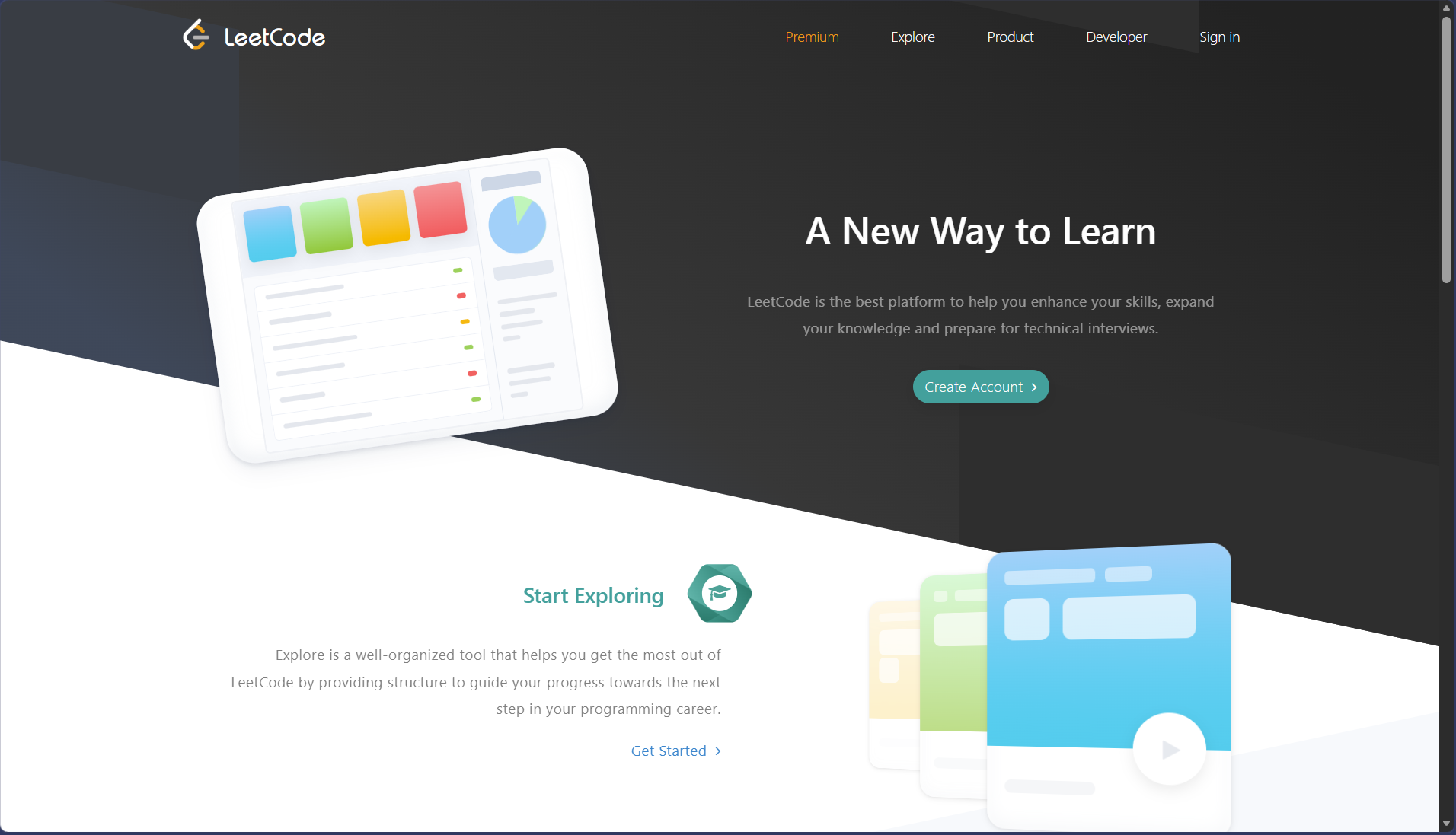
LeetCode is a platform where you can practice coding problems and actually get good at solving them under pressure (yes, the kind of pressure that makes you question everything 10 minutes into an interview). Think of it like a gym for your brain, except instead of lifting weights, you're lifting algorithms and data structures until they finally start making sense.
For computer engineering students, LeetCode isn't just about solving random problems. It helps you...
- build problem-solving skills,
- prepare for technical interviews,
- and understand how to think like an engineer when faced with real challenges.
Instead of just knowing how to code, you learn how to apply it, which is what actually matters when it counts.
Reasons to Use This Site
LeetCode isn't just about solving problems for fun (unless you enjoy pain), it's one of the most effective ways to sharpen your problem-solving skills and prepare for real technical challenges.
- Problem-solving skills: Learn how to break down complex problems and think logically step by step.
- Interview preparation: Practice the exact types of questions asked in technical interviews at top companies.
- Data structures and algorithms mastery: Strengthen your understanding of core concepts like arrays, trees, graphs, and more.
- Consistency building: Develop discipline by solving problems regularly and tracking progress.
- Real-world thinking: Train your brain to approach coding problems the way engineers actually do.
The more you practice on LeetCode, the less intimidating technical problems become, and eventually, what once felt impossible starts to feel manageable.
Tips for Navigating and Using LeetCode
LeetCode can feel overwhelming at first, but if you use it the right way, it becomes way more effective (and way less painful).
- Start with easy problems: You can clearly see the difficulty level (Easy, Medium, Hard), so use that to guide your progress instead of jumping straight into hard questions unless you enjoy suffering.
- Focus on understanding, not just solving: If you copy a solution without understanding it, you gain nothing.
- Use the discussion section: Sometimes, other people explain things better than the official solution.
- Revisit problems: Solving them once doesn't mean you own them. Come back later and try again without help.
These habits will help you actually improve instead of just going through the motions.
When to Use LeetCode?
But now you might be asking yourself: when do I actually use LeetCode? The answer is... more often than you think.
- While learning data structures and algorithms: Use it alongside your classes to actually apply what you're learning (otherwise it just stays theory).
- When preparing for interviews: This is the platform for getting read for technical interviews, especially for internships.
- During free time: Instead of scrolling for an hour, solve a problem or two (your future self will thank you... eventually)
- When you feel stuck in coding: LeetCode helps you think differently and approach problems from new angles.
The more you use it in these situations, the more natural problem-solving becomes, and the less scary technical questions feel.
Bringing It All Together
At the end of the day, LeetCode isn't just a platform you use when interviews are around the corner; it's something that builds your thinking over time. The more you practice, the more patterns you start to recognize, and suddenly, problems that once looked impossible start to feel familiar.
It might feel frustrating at first (actually, it will), but that's part of the process. Stick with it, stay consistent, and you'll start to see real progress. And when that first problem finally clicks without help? Yeah... that feeling is worth it.
GeeksforGeeks
GeeksforGeeks

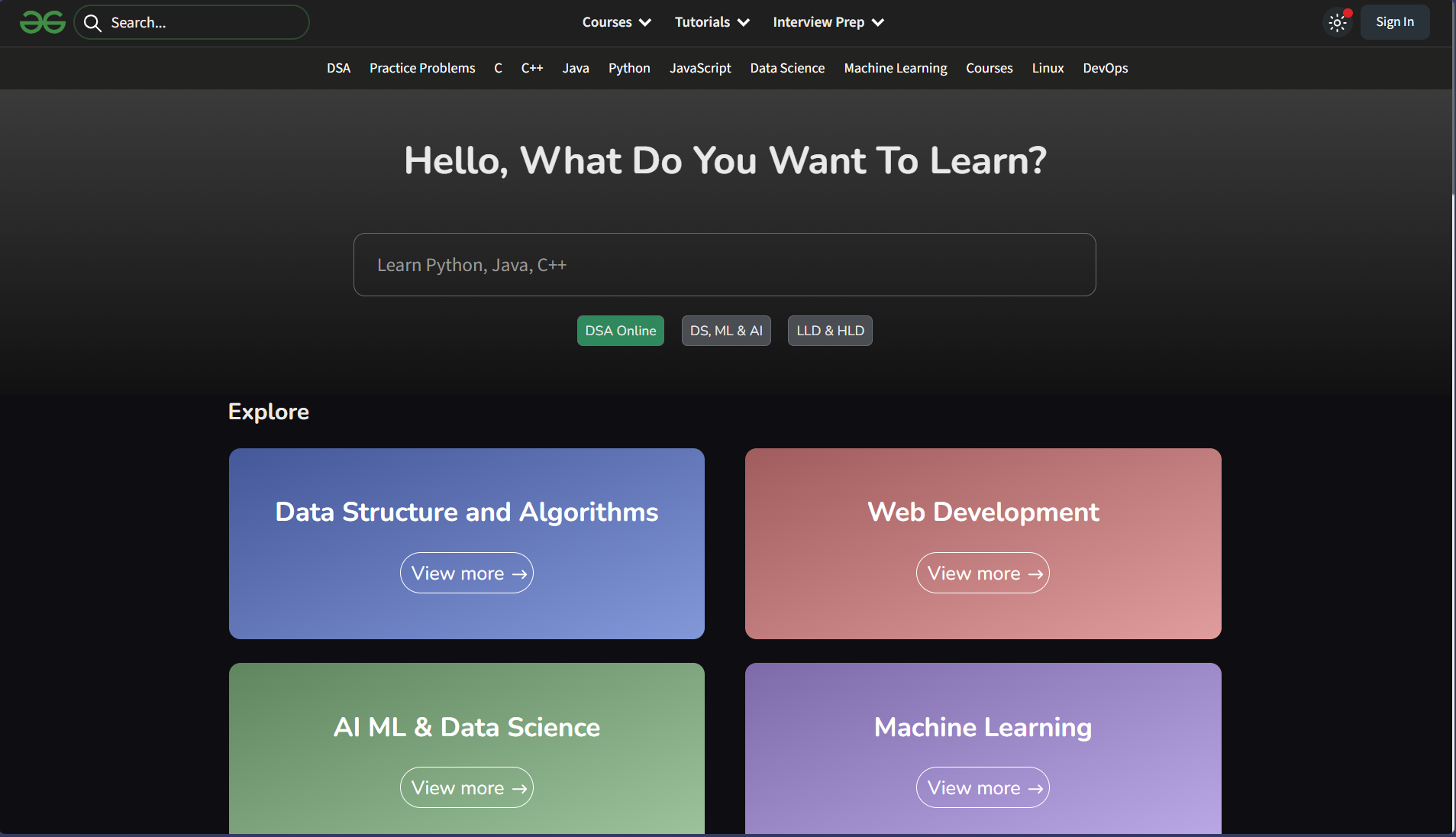
GeeksforGeeks is like that one friend who somehow has an explanation for everything (except this one is actually reliable most of the time). It's a massive platform filled with...
- tutorials,
- coding explanations,
- examples,
- and solutions for pretty much any computer science topic you can think of.
For computer engineering students, GeeksforGeeks is incredibly useful when you're stuck or trying to learn something new quickly. Whether it's understanding data structures, reviewing algorithms, or figuring out why your code isn't working, it gives you clear explanations and step-by-step breakdowns. Instead of being lost in complicated textbooks, you get straight to the point and help that actually makes sense.
Reasons to Use This Site
GeeksforGeeks isn't just another learning site; it's basically your backup plan for when things stop making sense (so... pretty often).
- Clear explanations: Breaks down complex topics into simple, easy-to-understand steps.
- Wide coverage: Covers everything from basic programming to advanced computer science topics.
- Code examples: Shows actual working code so you can see how things are implemented.
- Quick problem solving: Perfect when you're stuck and need a fast explanation or solution.
- Interview prep: Includes common interview questions and explanations to help you prepare.
Once you start using it, it becomes one of those sites you open automatically whenever you're confused (which is exactly what you want).
Tips for Navigating and Using GeeksforGeeks
GeeksforGeeks has a ton of content, which is great... until you realize you've opened 12 tabs and forgotten what you were even trying to learn. Here's how to actually use it effectively:
- Use the search bar wisely: Be specific with what you're looking for to get better results.
- Start with overview pages: Don't jump straight into advanced topics without understanding the basics first.
- Check multiple explanations: If one article doesn't make sense, another one might explain it better.
- Focus on understanding: Don't just copy code, make sure you know why it works.
- Break down examples: Go step by step through the examples to fully understand the logic.
- Take quick notes: Writing things down helps you remember and understand better.
- Pair it with practice: Learn a concept, then apply it on LeetCode or your own projects.
If you use it like this, GeeksforGeeks turns into one of your strongest learning tools instead of just a last minute "save me before the deadline" website.
When to Use GeeksforGeeks?
But now you might be asking yourself: when do I actually use GeeksforGeeks? The answer is... basically anytime you're confused.
- While learning new concepts: If something from class doesn't make sense, this is one of the fastest ways to get a clearer explanation.
- When you're stuck on code: Search your problem, and you'll usually find a similar example or breakdown.
- While reviewing for exams: Great for quickly refreshing topics like data structures, algorithms, and concepts.
- During project work: Helps you understand how to implement features to solve specific problems.
The more you use it in these situations, the faster you'll get at finding answers and learning independently.
Bringing It All Together
At the end of the day, GeeksforGeeks is like your go-to backup when things don't click the first time. It won't replace actually coding and practicing, but it will definitely help you understand things faster when you're stuck.
Use it to learn, to review, and to figure things out, but don't let it become a copy-paste habit. The real value comes from taking what you read and applying it to yourself. And let's be honest... at some point, every computer engineering student ends up typing "GeeksforGeeks" into Google. You might as well learn how to use it properly.
Stack Overflow
Stack Overflow

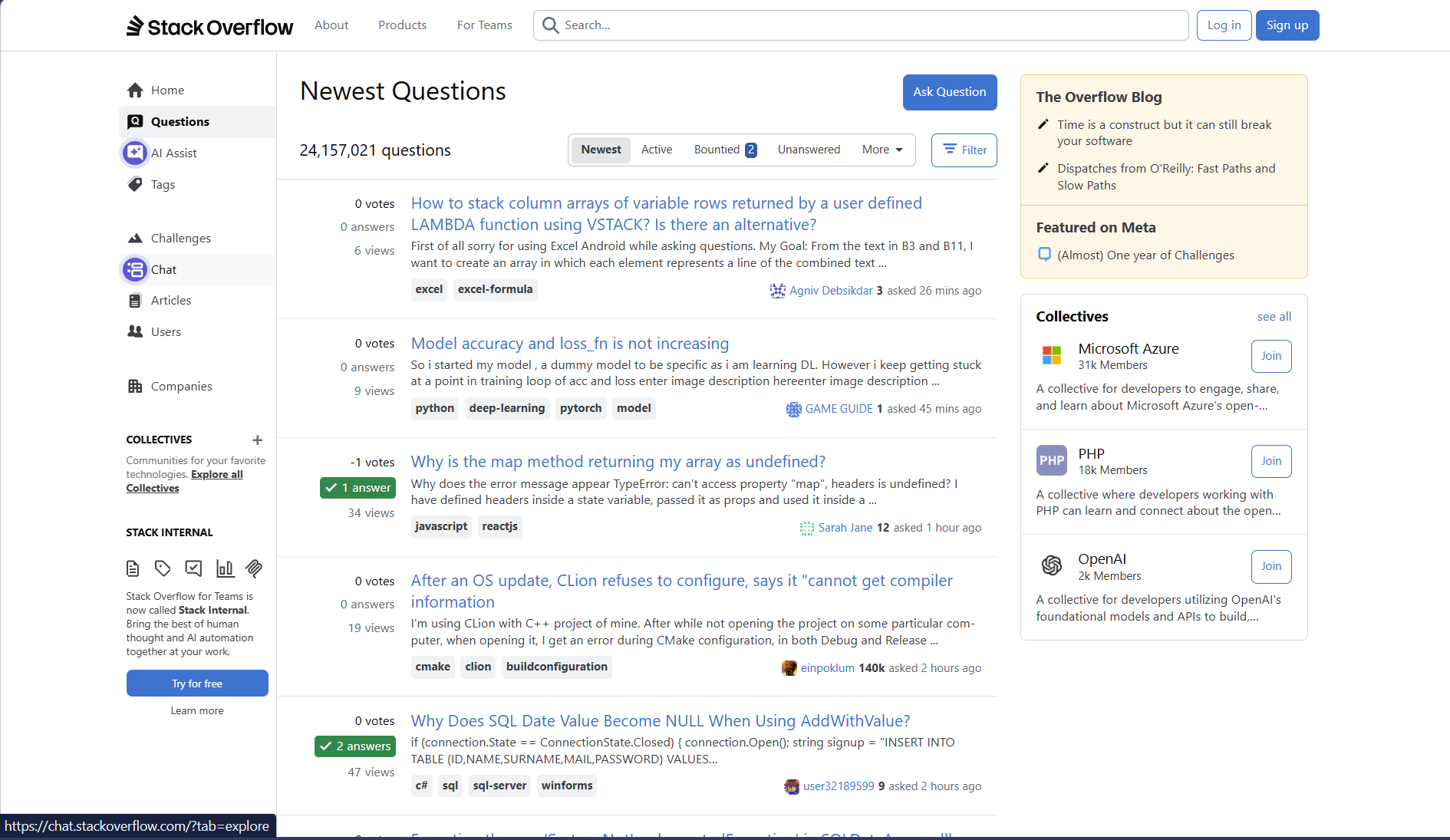
Stack Overflow is a question and answer platform where developers from around the world ask, answer, and discuss programming problems. Think of it as that one genius friend who somehow already solved the exact bug you've been struggling with for the past 2 hours... except there are millions of them.
For computer engineering students, Stack Overflow is more than just a place to get quick answers. It's a massive knowledge base filled with...
- real problems,
- real solutions,
- and real explanations
written by people who have already been in your exact situation. Instead of guessing what's wrong with your code, you can learn how others approached similar issues and understand the reasoning behind their solutions.
Reasons to Use This Site
Stack Overflow isn't just a place to fix bugs; it's a tool that can completely change how you learn, debug, and think as a computer engineering student.
- Instant problem solving: Find answers to specific coding errors and issues in seconds instead of struggling for hours.
- Real-world solutions: Learn how developers actually solve problems, not just textbook examples.
- Detailed explanations: Many answers include step-by-step breakdowns that help you understand the "why", not just fix it.
- Wide coverage: From beginner questions to advanced system-level issues, almost everything has been discussed.
- Community insight: See multiple approaches to the same problem and learn which ones are better and why.
Once you start using Stack Overflow regularly, debugging stops feeling like guessing and starts feeling like problem-solving with guidance.
Tips for Navigating and Using Stack Overflow
Stack Overflow is powerful, but only if you know how to use it the right way. Otherwise, you might end up more confused than when you started (we've all been there).
- Search before you ask: Most questions have already been answered. Use clear keywords, error messages, or code snippets to find relevant posts.
- Read multiple answers: Don't just click the first one. The top answer is often great, but other responses can offer better or more updated solutions.
- Check votes and accepted answers: Highly upvoted answers are usually more reliable, and the accepted answers show what worked for the original poster.
- Pay attention to comments: Sometimes the real fix or clarification is hidden in the comments section.
- Understand the solution, don't copy it blindly: Copy-pasting might fix your code, but understanding it will actually make you better.
Once you learn how to navigate it properly, Stack Overflow becomes less of a "quick fix" tool and more of a place where you actually grow your problem-solving skills.
When to Use Stack Overflow?
But now you might be asking yourself: when do I actually use Stack Overflow? The answer is: anytime your code starts acting like it has its own personality.
- When you get errors you don't understand: Copy the error message and search it, chances are someone has already dealt with it.
- When your code isn't working as expected: Even if there's no error, others may have faced the same logic issue.
- When learning something new: See how real developers implement concepts instead of relying on theory.
- When debugging takes too long: If you've been stuck for a while, it's time to look for guidance.
- When you want better approaches: You might solve a problem, but Stack Overflow can show you cleaner or more efficient ways.
The more you use Stack Overflow in these situations, the faster you'll start recognizing patterns, and eventually, you'll need it less because you'll start thinking like the people answering the questions.
Bringing It All Together
At the end of the day. Stack Overflow isn't just a place you go when things break; it's a place where you actually learn how to fix things the right way. It turns frustration into understanding, and confusion into clarity (most of the time).
The key is not to rely on it as a crutch, but to use it as a learning tool. The more you focus on understanding the answers instead of just copying them, the more your skills grow without you even realizing it. Give it some time, and you'll go from searching for every small error... to actually being the one who could answer those questions.
Coursera
Coursera


Coursera is an online platform that gives you access to courses from top universities and companies around the world, all from your laptop. Think of it as your "backup professor" when your lecture slides start making less and less sense.
For computer engineering students, Coursera is more than just extra learning. It helps you...
- understand topics better,
- learn skills that aren't fully covered in class,
- and stay on track instead of falling behind.
Instead of just watching lectures, you get...
- clear explanations,
- guided lessons,
- and hands-on projects that actually help things click.
And the best part? You can learn at your own pace: pause, rewind, and rewatch whenever you need, which is something you definitely can't do in a live lecture.
Reasons to Use This Site
Coursera isn't just another place to watch videos; it's a tool that can actually help you understand concepts better and build real skills as a computer engineering student.
- Structured learning: Courses are organized step-by-step, making it easier to follow along instead of jumping between random tutorials
- Skill building: Learn practical skills like programming, data structures, or even hardware-related topics through guided lessons.
- Real Projects: Many courses include hands-on projects that help you apply what you learn.
- Flexible learning: Study at your own pace and fit it around your classes and schedule.
- Trusted content: Courses are created by universities and companies, so the material is reliable and up-to-date.
Once you start using Coursera regularly, it becomes a go-to resource whenever something in class doesn't fully make sense or when you want to learn something new on your own.
Tips for Navigating and Using Coursera
Coursera is pretty straightforward, but using it the right way makes a big difference between just watching videos and actually learning something.
- Pick courses that match your needs: Don't just enroll randomly, choose courses that directly help with your classes or skills you want to build.
- Don't just watch, take notes: Treat it like a real class. Writing things down helps you actually remember the material.
- Do the practice exercises: The projects and quizzes are where most of the learning happens, not just the videos.
- Use playback controls: Slow down or speed up videos depending on how well you understand the topic.
- Revisit difficult sections: If something doesn't click the first time, go back and rewatch it until it does.
Using these habits will help you get real value from Coursera instead of just collecting unfinished courses.
When to Use Coursera
But now you might be asking yourself: when do I actually use Coursera? The answer is: whenever you feel stuck, behind, or curious to learn more.
- During difficult courses: If a lecture isn't clear, use Coursera to get a simpler explanation of the same topic.
- When learning something new: Want to pick up a new skill like Python, embedded systems, or networking? Coursera gives you a structured way to start.
- Before exams: Review key concepts in a clearer, more organized way than your notes sometimes provide.
- For personal growth: Learn skills outside your classes that can help you stand out, especially for internships.
- During breaks or summer: Use extra time to build new skills without the pressure of exams.
The more you use Coursera in these situations, the more it becomes a reliable tool you can always fall back on when you need extra help or want to get ahead.
Bringing It All Together
At the end of the day, Coursera isn't just another website you sign up for and forget about. It's a tool that actually helps you understand things better when class alone isn't enough.
The more you use it, the more you'll notice a difference. You won't feel as lost during lectures, and you'll start picking up skills faster on your own. It gives you a way to learn at your own pace, fix weak spots, and build knowledge that actually sticks.
If you use it consistently (not just the night before an exam), it can go from "extra help" to one of the most useful tools you have as a computer engineering student.


LinkedIn is a professional networking platform where you can create a profile, connect with others, and present your experience, projects, and skills. Think of it as your online resume, but one that actually moves, grows, and gets seen by real people.
For computer engineering students, LinkedIn is more than just a profile you make once and forget. It helps you build...
- a professional presence,
- connect with recruiters and engineers,
- and stay updated on opportunities like internships and jobs.
Instead of just applying and hoping for the best, LinkedIn gives you a way to be seen and recognized.
And the best part? You don't need years of experience to start. Even as a student, you can showcase projects, share what you're learning, and begin building your network early, which makes a big difference later on.
Reasons to Use This Site
LinkedIn isn't just a place to make a profile and leave it there; it's a tool that helps you build connections and open doors as a computer engineering student.
- Professional presence: Create a clean, organized profile that shows your skills, projects, and experience.
- Networking: Connect with students, engineers, and recruiters in your field.
- Internship opportunities: Find and apply to internships and jobs directly on the platform.
- Showcase your work: Share projects, achievements, and what you're learning to stand out.
- Stay updated: Follow companies and trends to see what skills are in demand.
Once you start using LinkedIn regularly, it becomes more than just a profile; it turns into a space where opportunities can usually come to you.
Tips for Navigating and Using LinkedIn
LinkedIn is simple to use, but using it the right way is what actually makes a difference.
- Keep your profile updated: Add your projects, skills, and experiences as you go instead of waiting until the last minute.
- Use a clear headline: Instead of just "Student," say something like "Computer Engineering Student | Interested in Embedded Systems" so people know what you're about.
- Connect with intention: Don't just add random people; connect with classmates, professors, and professionals in your field.
- Engage a little: Liking or commenting on posts helps you stay active and visible without needing to post a lot.
- Show your work: Upload or link your projects (Like GitHub repositories) so people can actually see what you've built.
- Keep it professional: This isn't Instagram. Think clean, simple, and focused on your future.
You don't need to be "famous" on LinkedIn. You just need to be visible and clear about what you can do.
When to Use LinkedIn
But now you might be asking yourself: when do I actually use LinkedIn? The answer is: anytime you want people to know you exist professionally.
- When starting university: Set up your profile early, even if it's simple. It's easier to build it gradually than rush everything later.
- After finishing a project: Add your work while it's still fresh. This shows progress and keeps your profile active.
- When looking for internships: Search and apply for roles, but also connect with recruiters or people at the company.
- Before career events: Look up companies and attendees so you're more prepared and confident.
- When building your network: Connect with classmates, professors, and professionals in your field over time.
The more you use LinkedIn in these situations, the more natural it becomes, and the more useful it is when you actually need it.
Bringing It All Together
At the end of the day, LinkedIn isn't just something you use when you're desperate for a job. It's a tool you build over time.
The more you update it, share your work, and stay active, the more it starts working for you instead of the other way around. Opportunities become easier to find, and sometimes they'll even come to you.
If you treat it like a long-term investment rather than a last-minute fix, LinkedIn can become one of the most valuable tools you have as a computer engineering student.